Use the Slack Evaluator
Now that you have created your policy instance, you can test it out with the Evaluator. The Evaluator supports several requests, corresponding to Aserto's authorization APIs - is, decisiontree, and query. The default "Check" request, however, is specifically designed for policy-rebac. Using the Evaluator allows you to quickly verify whether a user has a relationship (or permission) on an object.
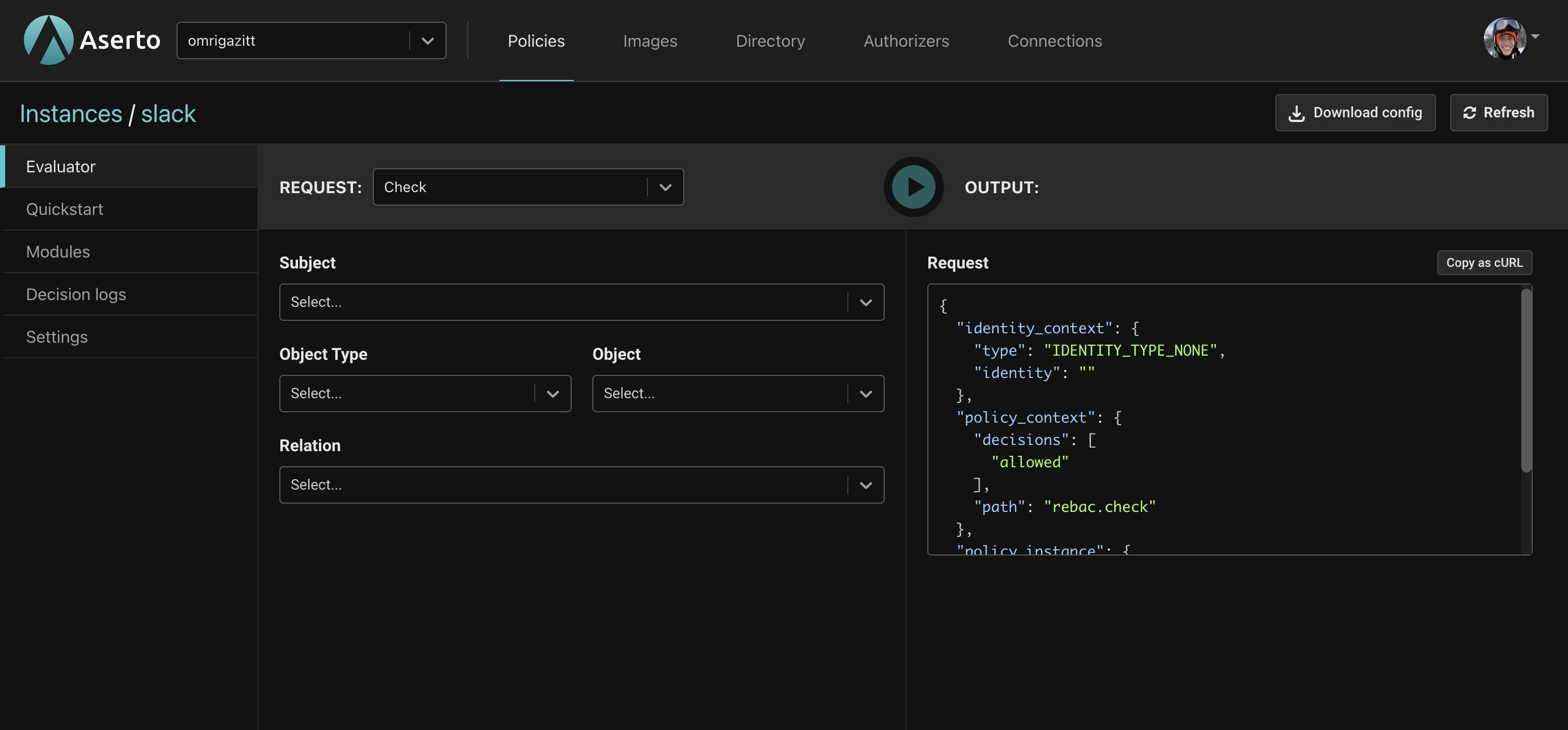
The Evaluator has two parts. The REQUEST part on the left is where you specify information about the action being performed, while the OUTPUT on the right displays the body of the request as well as the response.
The table below explains the selection fields.
| Field | Description |
|---|---|
| Subject | The user to evaluate. For Slack there are 5 Citadel users that you can select from. |
| Object Type | The type of object to evaluate. For Slack this will be Channel. |
| Object | The object instance to evaluate. |
| Relation | Which relation or permission to evaluate. |
Testing the policy
Now let's check a few different scenarios using the Evalator. First, a few important things to note about Rick and Morty:
- Rick is a
channel_adminof thesmithsworkspace. This means he has thecan_read,can_write,can_comment, andcan_deletepermission on any channel within that workspace, including thegeneral,citadel, andgossipchannels. - Morty is a
memberof thesmithsworkspace. Every member of that workspace is awriteron thegossipchannel. In addition, Morty is also explicitly awriteron thecitadelchannel, so he has thecan_read,can_write, andcan_commentpermissions on both channels. However, Morty has no permissions on thegeneralchannel.
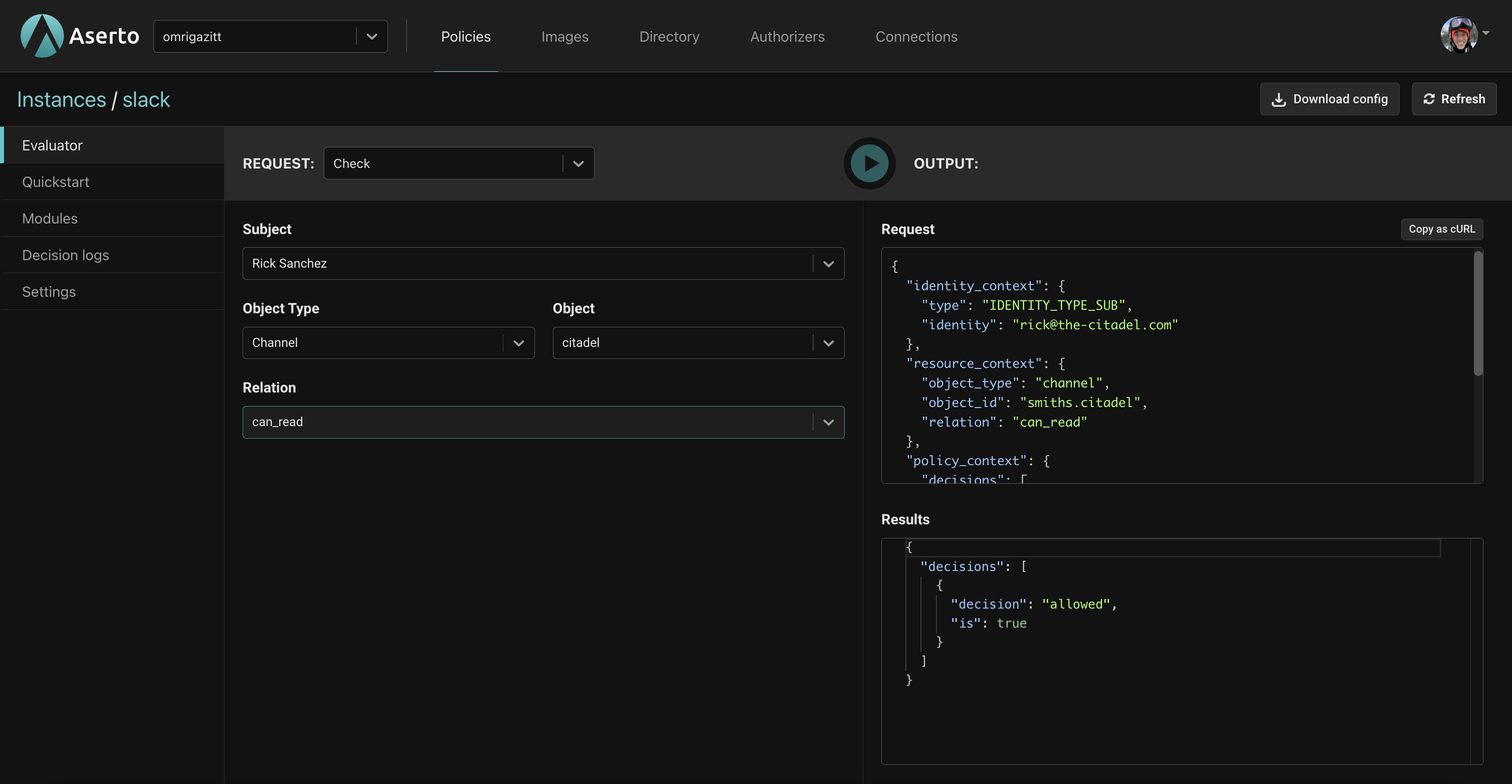
Scenario 1 - can Rick read the citadel channel?
- For Subject, select "Rick Sanchez".
- For Object Type, select "Channel".
- For Object, select "citadel".
- For Relation, select "can-read".
- Click the
Playbutton. - You should see
"is": trueunder results indicating the action will be permitted.
Scenario 2 - can Rick delete the general channel?
- For Subject, select "Rick Sanchez".
- For Object Type, select "Channel".
- For Object, select "general".
- For Relation, select "can-delete".
- Click the
Playbutton. - You should see
"is": trueunder results indicating the action will be permitted.
Scenario 3 - can Morty write the citadel channel?
- For Subject, select "Morty Smith".
- For Object Type, select "Channel".
- For Object, select "citadel".
- For Relation, select "can-write".
- Click the
Playbutton. - You should see
"is": trueunder results indicating the action will be permitted.
Scenario 4 - can Morty write the general channel?
- For Subject, select "Morty Smith".
- For Object Type, select "Channel".
- For Object, select "general".
- For Relation, select "can-write".
- Click the
Playbutton. - You should see
"is": falseunder results indicating the action will be denied.
Scenario 5 - can Morty write the gossip channel?
- For Subject, select "Morth Smith".
- For Object Type, select "Channel".
- For Object, select "general".
- For Relation, select "can-write".
- Click the
Playbutton. - You should see
"is": trueunder results indicating the action will be permitted.
Next steps
Now that you have seen how the policy works, you'll use the Quickstart in the console to download and run the sample back-end API, which uses the slack policy for access control.
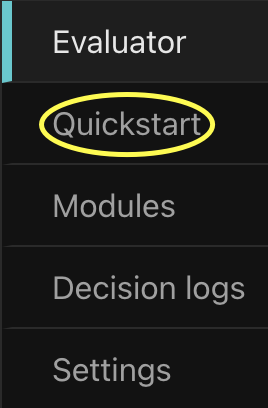
Click on the "Quickstart" tab on the left.